How to Inspect Used ASICs Before You Buy
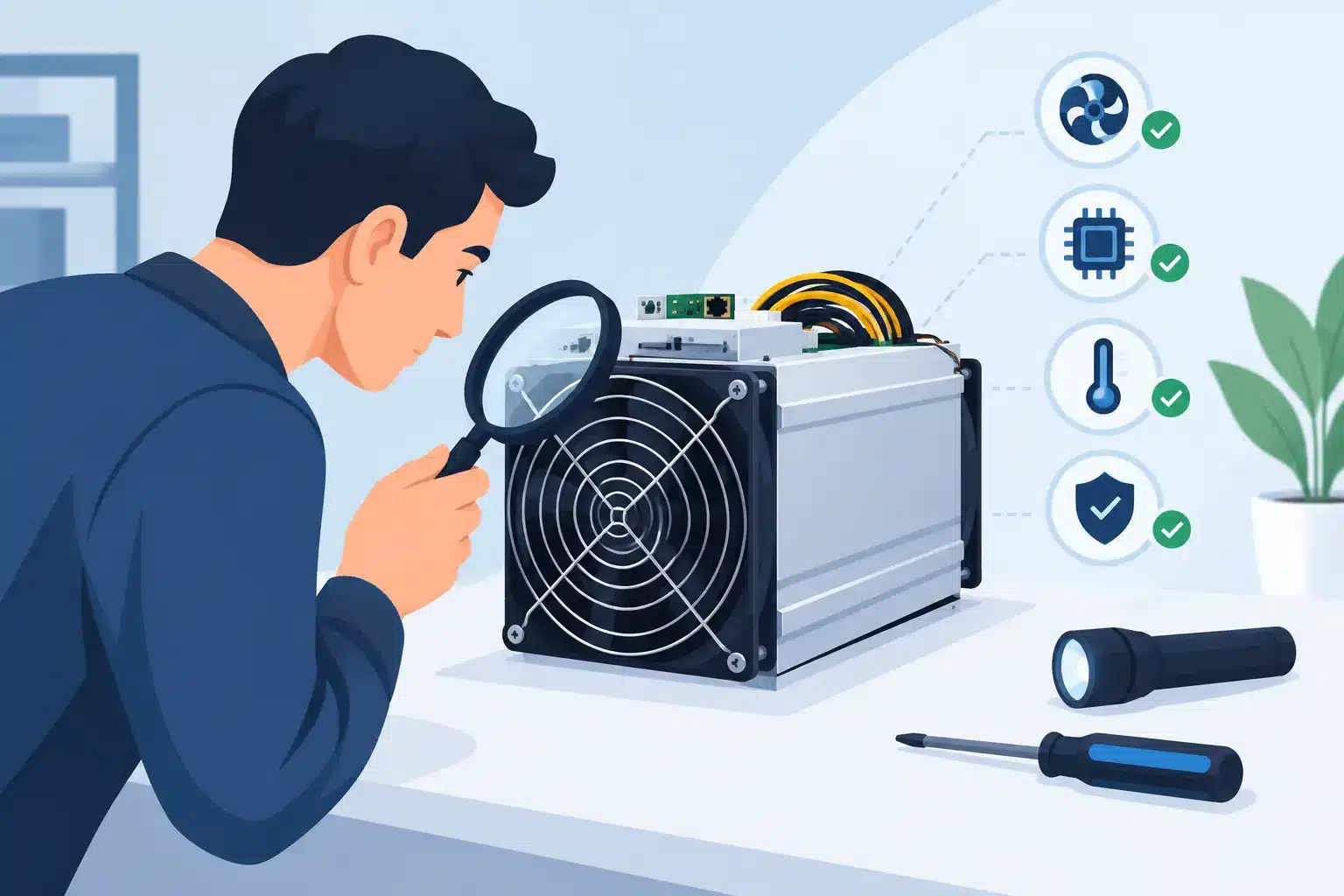
A used ASIC can look profitable on a spreadsheet and still become an expensive interruption the moment it reaches your site. A low purchase price means little if the miner arrives with weak hashboards, a tired power supply or an undisclosed repair history. Knowing how to inspect used ASICs gives you a far better chance of buying productive hashrate rather than inheriting somebody else’s downtime.
For a solo miner, one faulty machine can erase months of expected returns. For an operator acquiring dozens or hundreds of units, small defects multiply into a serious Opex and maintenance problem. The right inspection is therefore not cosmetic. It is a structured assessment of identity, condition, electrical behaviour, hashrate stability and serviceability.
How to inspect used ASICs before committing funds
Start before the machine is shipped. Ask the seller for the exact model, serial number, manufacturing date where available, firmware version, current configuration and a recent test record. A credible test record should show the miner running long enough to establish stable performance, not a screenshot taken seconds after boot.
Confirm what is included in the sale. Power leads, control boards, fans, PSU and original packaging all affect the real cost and risk of deployment. If the unit has been repaired, ask which component failed, who completed the work, whether replacement parts were genuine or compatible, and how long the miner has run since repair. A repaired ASIC is not automatically a poor purchase. A properly repaired board with documented testing may be a sensible buy. The concern is undocumented work, repeat failures and sellers who cannot explain the machine’s history.
Serial numbers matter for another reason: they help establish ownership and prevent accidental acquisition of equipment that may be stolen, subject to a dispute or still tied to a hosting account. Match the serial number on the chassis with the system interface and the seller’s paperwork wherever possible.
Begin with the external condition
A careful visual inspection can reveal conditions that software screens cannot. Look along the chassis for bent panels, damaged screws, missing covers, loose heatsinks, corrosion or signs that the miner has been dropped. Pay close attention to power connectors and the Ethernet port. Discolouration, melted plastic or a burnt smell can indicate overheating or poor electrical contact.
Dust is expected in used mining hardware, but the type and volume matter. Light, dry dust is usually manageable with correct cleaning. Dense buildup around fans, heat sinks and exhaust paths suggests neglected filtration and elevated operating temperatures. Sticky residue, mineral deposits or corrosion are more concerning. They can indicate humidity, water exposure or unsuitable immersion and hydro-cooling handling.
Check that every fan is present, securely mounted and free from scraping noises when turned by hand. A fan may still spin while having worn bearings or reduced airflow. Since ASICs rely on balanced airflow across the hashboards, weak fans can cause thermal throttling, chip errors and early board failure.
Verify the PSU and electrical behaviour
The power supply is one of the most overlooked parts of a used ASIC purchase. Examine its casing, cables and connectors for heat damage, swelling, loose terminals or improvised repairs. Confirm that the PSU is rated for the miner model and your intended voltage. A mismatch may cause unstable operation or prevent the unit from reaching nominal hashrate.
The meaningful test happens under load. Use appropriate metering, a stable supply and qualified technicians. Compare actual power draw with the manufacturer’s nominal specification, allowing for model variation, firmware settings, ambient temperature and the accuracy of the meter. A unit drawing significantly more power than expected can damage ROI even if it appears to hash normally.
Do not assess efficiency through power draw alone. Calculate watts per terahash using the measured input power and stable hashrate. A machine that is 8 to 10 per cent below its expected efficiency may be acceptable at a very low acquisition price and cheap electricity. At higher kWh pricing, that same gap can turn a seemingly attractive deal into a poor one.
Test stable hashrate, not the headline number
Run the ASIC at normal settings for a meaningful period, ideally several hours and preferably through a full operating cycle. The dashboard should show all hashboards detected, temperatures within the model’s expected range, and hashrate close to specification once it has warmed up.
Avoid relying on a pool-side snapshot alone. Pool hashrate fluctuates, particularly over short intervals. The miner’s local dashboard, kernel log and board diagnostics give a clearer picture of hardware condition. Check for repeated chip faults, missing chains, voltage irregularities, CRC errors, ASIC count mismatches, temperature warnings and frequent fan alarms.
A miner can reach its advertised hashrate briefly while hiding instability. Watch for restarts, hashrate drops, boards going offline and temperature drift as the machine runs. If the seller refuses a live test or will only provide cropped images, price the unit as unverified hardware, not as a proven operational asset.
Read logs like an operator
Kernel logs are often where the real story sits. They can show whether a hashboard intermittently disappears, whether a fan repeatedly falls below target RPM, or whether the control board is attempting to recover from errors. You do not need to diagnose every line yourself, but you should know what a clean test looks like: all boards initialise, chip counts remain consistent, fans respond normally and no recurring fault pattern appears.
Ask for logs from a cold start and after the miner has been under load. Cold-start faults can point to marginal connections or failing components that may not be obvious after a machine is already warm. If custom firmware is installed, establish why. Performance firmware may be intentional, but it can also conceal stock-firmware issues or place more stress on ageing hardware.
Where possible, return the ASIC to approved stock settings for the inspection. Then test any desired overclocking separately. This creates a reliable baseline and prevents you from paying for an optimistic hashrate figure that only exists under aggressive settings.
Inspect cooling with the deployment environment in mind
An ASIC is only as dependable as the environment it will operate in. Air-cooled units should be assessed for fan performance, airflow direction, heat sink condition and thermal consistency between boards. One board that runs materially hotter than the others deserves investigation, even if it has not yet faulted.
For hydro-cooled models, inspect fittings, manifolds, seals and hoses for residue or leaks. Confirm the coolant specification, flow requirements and whether the miner was operated within its intended pressure and temperature range. Hydro equipment can deliver excellent density and thermal control, but it needs disciplined infrastructure. A bargain hydro unit is not a bargain if your facility cannot support it correctly.
Also consider the climate and site design. A miner tested in a cool workshop may behave differently in a high-ambient environment with poor containment. Your hosting provider or data-centre team should validate rack density, circuit capacity, cooling design and monitoring before deployment.
Price the risk, not just the machine
Used ASIC economics depend on more than purchase price. Build a realistic landed-cost figure that includes freight, duties where applicable, replacement fans or PSUs, diagnostics, repair contingency, racking and the cost of delayed deployment. Then compare expected daily revenue against electricity price, pool fees, hosting charges and a conservative uptime assumption.
A good seller may offer a short inspection or DOA window. Clarify what qualifies as a fault, who pays return shipping, whether refunds or repairs are offered, and how quickly a replacement can be supplied. For fleet purchases, inspect a sample from each batch rather than assuming every unit is identical. Manufacturing batches, operating history and storage conditions can vary significantly.
The most attractive used acquisition is often not the lowest-priced one. It is the batch with transparent history, repeatable test results, sensible efficiency and a clear route to repair if something fails. That is what protects uptime after the machines go live.
Before funds move, have the miner tested under proper load, document its condition and ensure your deployment environment is ready to support it. BitHash can help operators combine hardware assessment with managed hosting, monitoring and maintenance so that used capacity is judged by operational output, not by an optimistic seller listing.
Written by BitHash Editorial
BitHash Infrastructure & Mining Research Team